
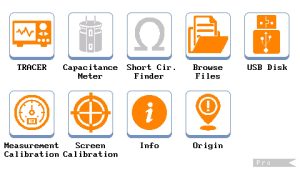
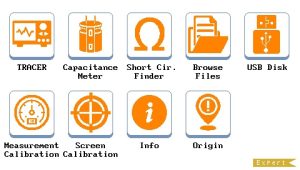
UCE-CT321L Licence
Price range: $449.00 through $749.00
Buy more, Save more ...
Description
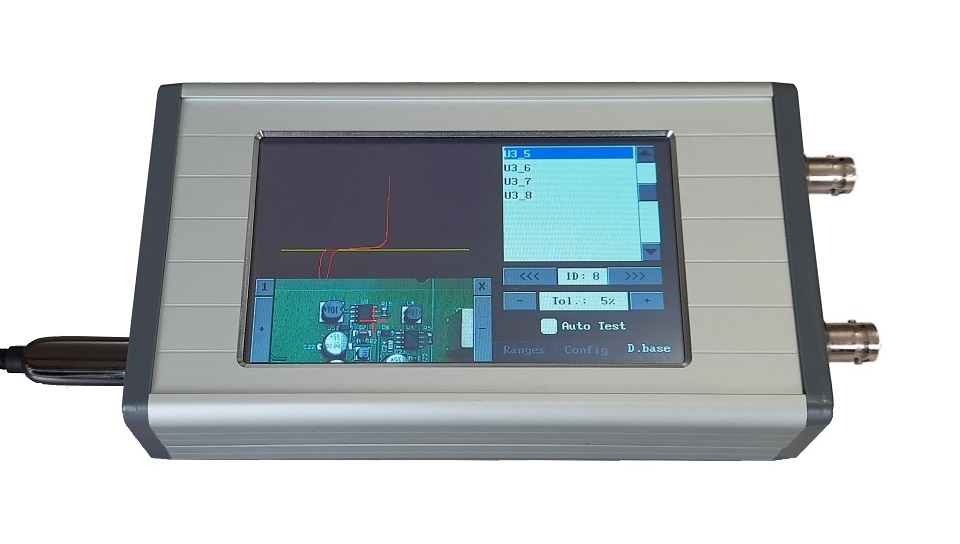
This product is not a physical product. It is a license of UCE-CT321L Lite Edition. The features of the device are upgraded by copying the license file, which we will send to your e-mail, to its disk.
The license file is device-specific. Therefore, please email us the serial number of the device for which you wish to purchase the license.
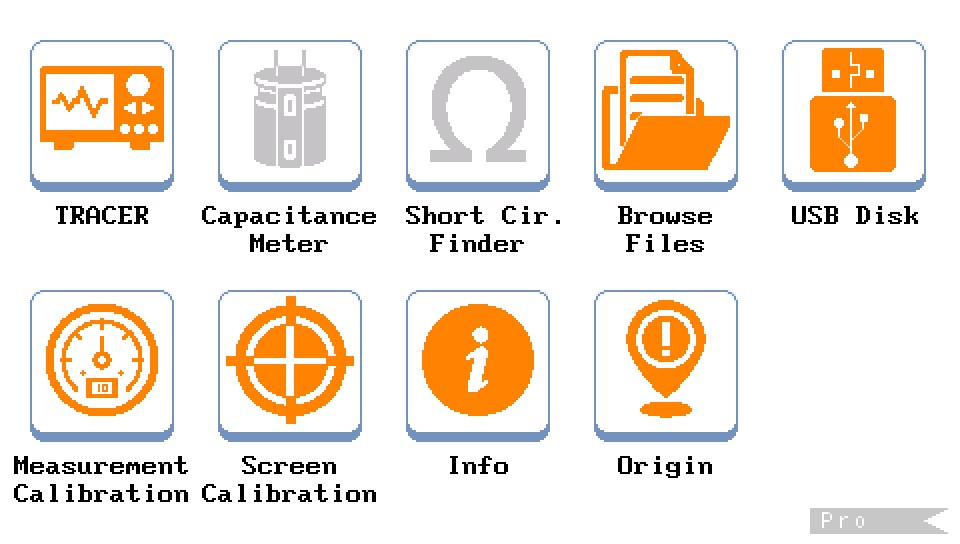
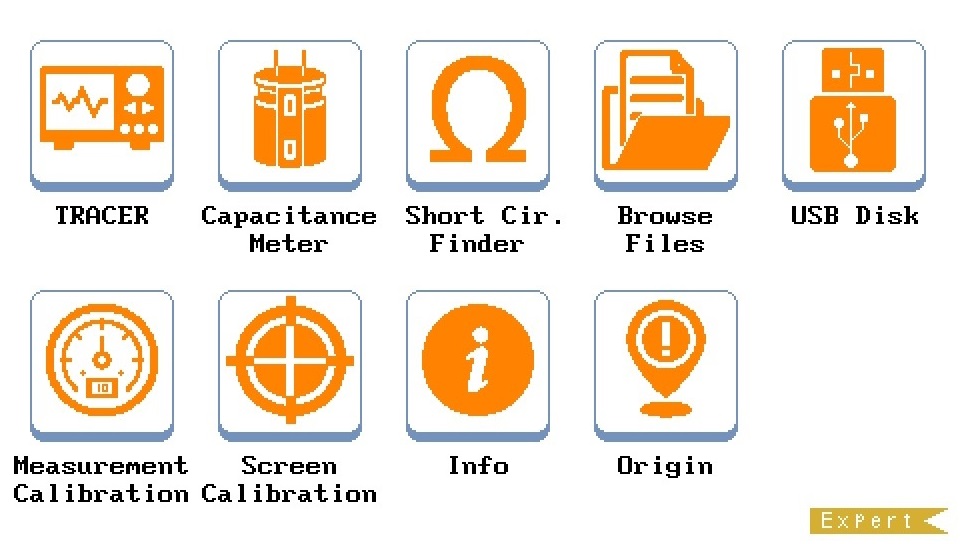
The features of the products can be compared in the table below.
| Lite Edition | Pro Edition | Expert Edition | |
| Device Type | Curve Tracer | Curve Tracer | Curve Tracer |
| Short-circuit finder | NA | NA | Available |
| Frequency | 20Hz, 50Hz, 60Hz, 200Hz, 2000Hz | 20Hz ~ 5kHz (31 steps) | 20Hz ~ 5kHz (31 steps) |
| Open circuit Voltage | ±3V, ±5V, ±10V, ±15V, ±20V | ±0.2V ~ ±20V (24 steps) | ±0.2V ~ ±20V (24 steps) |
| Limit Resistor | 100Ω, 1kΩ, 10kΩ | 10Ω, 47Ω, 100Ω, 470Ω, 1kΩ, 4.7kΩ, 10kΩ, 47kΩ | 10Ω, 47Ω, 100Ω, 470Ω, 1kΩ, 4.7kΩ, 10kΩ, 47kΩ |
| Internal disk | 4GB micro SD | 4GB micro SD | 4GB micro SD |
| Database | NA | Available | Available |
| Database Test | NA | on PC | on PC & Device |
| Capacitance Meter | NA | NA | Available |
| Ohmmeter | NA | NA | Available |
| HDMI out | NA | NA | 480×272 @60Hz |
| Mouse support | Available | Available | Available |
Package List:
- License file for UCE-CT321L
Additional information
| Licence | Pro, Expert |
|---|
UCE-CT321L License Installation Instructions
Follow the steps below to activate the Licence on your UCE-CT321L device.
1. Download the License File
Save the license file CT321L.lic that was sent to you via email to your computer.
2. Connect the Device to the Computer
Connect the device to your computer using a USB cable and enable USB Disk mode.
Once connected, the device will appear on your computer as an external storage drive.
3. Copy the License File
-
Open the internal storage of the device from your computer.
-
Navigate to the following folder:
0:\system\licence
-
Copy the CT321L.lic file you received by email into this folder.
-
If a license file already exists in this folder, replace it with the new file.
4. Restart the Device
After copying the license file, restart the device.
Once the device restarts, the installed license (e.g., Pro or Expert) will be activated automatically.
Additional Information
You can find detailed instructions on how to connect the device as a USB disk in the document below.
How to update firmware of UCE-CT321L
Related products
-
UCE-DSO212 with UCE-CT212 Combo Deals
Read more -
Sale!
UCE-DSO4200C Oscilloscope & Curve Tracer
Original price was: $2,999.00.$2,450.00Current price is: $2,450.00. Add to cart -
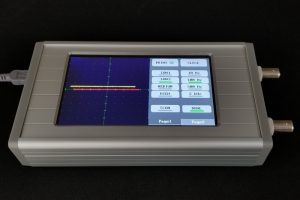
UCE-CT220L Fault Locator & Curve Tracer
Price range: $329.00 through $453.00 Select options This product has multiple variants. The options may be chosen on the product page -
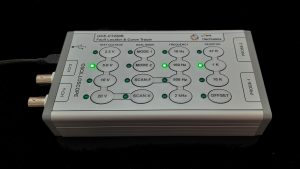
UCE-CT220S Fault Locator & Curve Tracer
Price range: $549.00 through $678.00 Select options This product has multiple variants. The options may be chosen on the product page